

Encrypt PDF - Secure Documents with Passwords & Permissions
Protect your sensitive PDF files by adding open passwords. Our tool provides advanced permission settings to restrict printing, copying, and editing, all within a 100% private, browser-based environment.
Try these now PDFs:
Does this online conversion service protect my privacy? Are the files I import safe?
Very safe, because your files never leave your device and are not uploaded. ImagesTool uses browser technology to achieve the conversion service that previously required uploading.
Everything happens only in your browser, 100% protecting your privacy.
You can do a test Convert once, then disconnect the device from the network, and convert again and you will find that everything is normal.
Encrypt PDF: Advanced Password & Permission Protection
Safeguard your confidential information with our professional Encrypt PDF tool. In an era where data privacy is paramount, locking your sensitive documents is the most effective way to prevent unauthorized access. Whether you want to completely block people from opening your file, or simply want to stop them from copying your text, our tool gives you full control.
This tool is engineered for 100% privacy and security. Unlike traditional online converters, your files never leave your device. The encryption process happens entirely within your web browser. This means there is no uploading of data to any remote server, eliminating the risk of data breaches.
Key Features
- Dual Password System: Set an Open Password (User Password) to lock the document from being viewed, and a Permissions Password (Owner Password) to restrict modifications.
- Advanced Permission Controls: Fine-tune what others can do with your PDF. Choose to allow or restrict Printing, Copying text or graphics, Inserting/deleting/rotating pages, Adding annotations, and Filling form fields.
- Browser-Based Processing: All encryption logic runs locally. No data transfer occurs, ensuring maximum secrecy.
- No Sign-Up Required: Enjoy a hassle-free experience with no login, no registration, and no subscriptions needed.
How to Password Protect a PDF
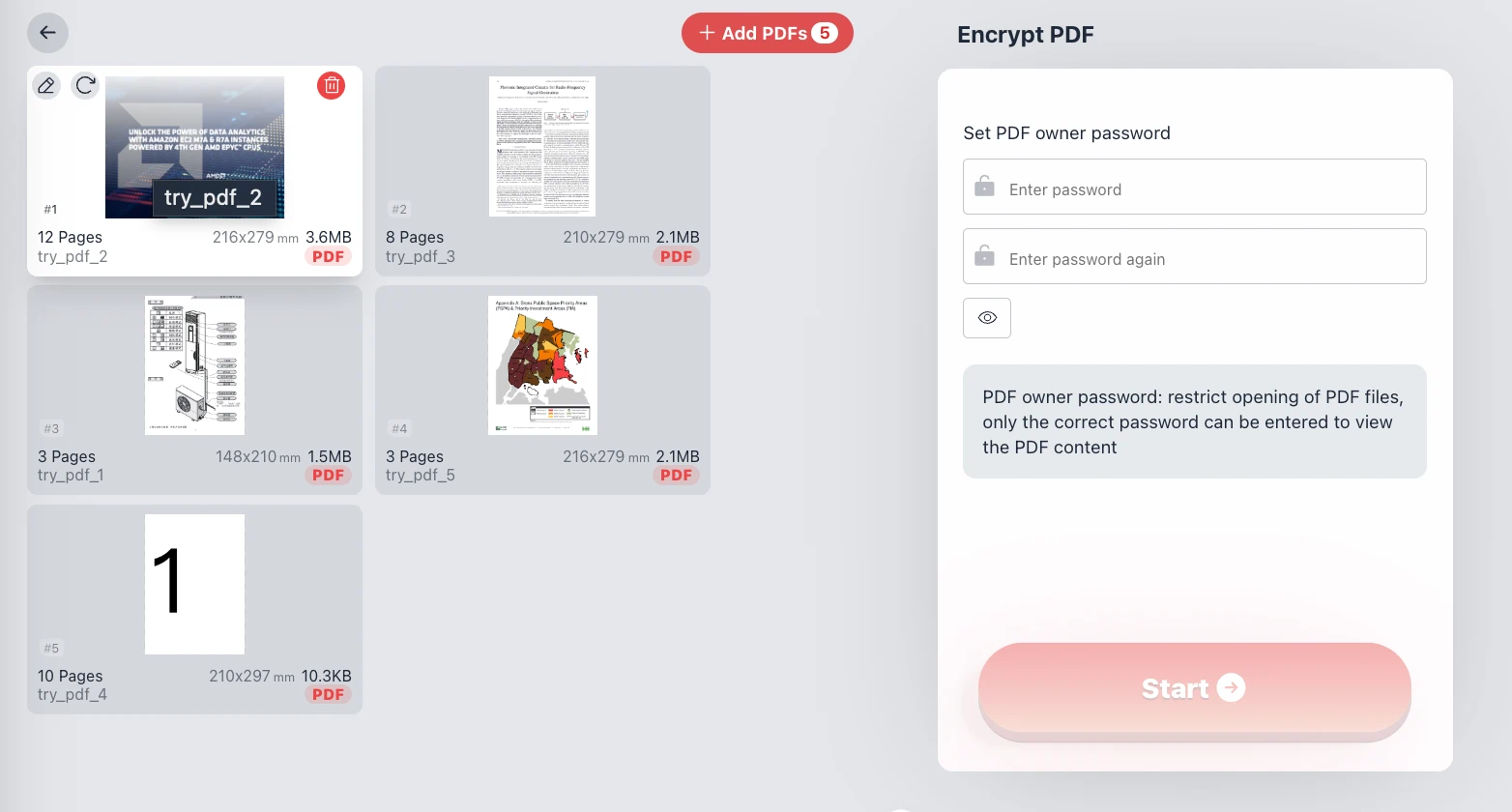
- Click 'Add PDFs' to select the documents you wish to secure.
- Switch between Normal and Advanced mode depending on your needs.
- To restrict viewing, toggle on Open Password and enter a User Password.
- To restrict editing/printing, check your desired Permissions and enter an Owner Password.
- Click the 'Start' button. Your browser will process the encryption instantly.
Frequently Asked Questions (Q&A)
What is the difference between an Open Password and an Owner Password?
An Open Password (User Password) is required just to open and view the PDF content. An Owner Password (Permissions Password) is used to lock specific features, like printing, copying text, or editing the document, even if the user is allowed to read it.
Is it safe to encrypt my private documents here?
Absolutely. Because the process is 100% browser-based, your files are never uploaded to the internet. We do not store, view, or transfer your data. Security is guaranteed by the architecture of the tool itself.
Do I need to install software?
No. This tool works directly in your web browser (Chrome, Edge, Firefox, Safari). It provides desktop-class performance and advanced permission settings without the need for bulky software installations.
What happens if I forget the password?
Please store your passwords in a safe place. Since we do not upload your data or save your passwords to any servers, it is impossible for us to recover a forgotten password for you once the file is encrypted.