

Online Scanned PDF OCR Text Recognition & Editor
An efficient and secure online PDF OCR tool designed specifically for scanned PDFs and image-based documents. Perform document recognition and layout restoration directly within your browser, with real-time editing, proofreading, and one-click export to searchable dual-layer PDFs, TXT files, and visual comparison results.
How It Works
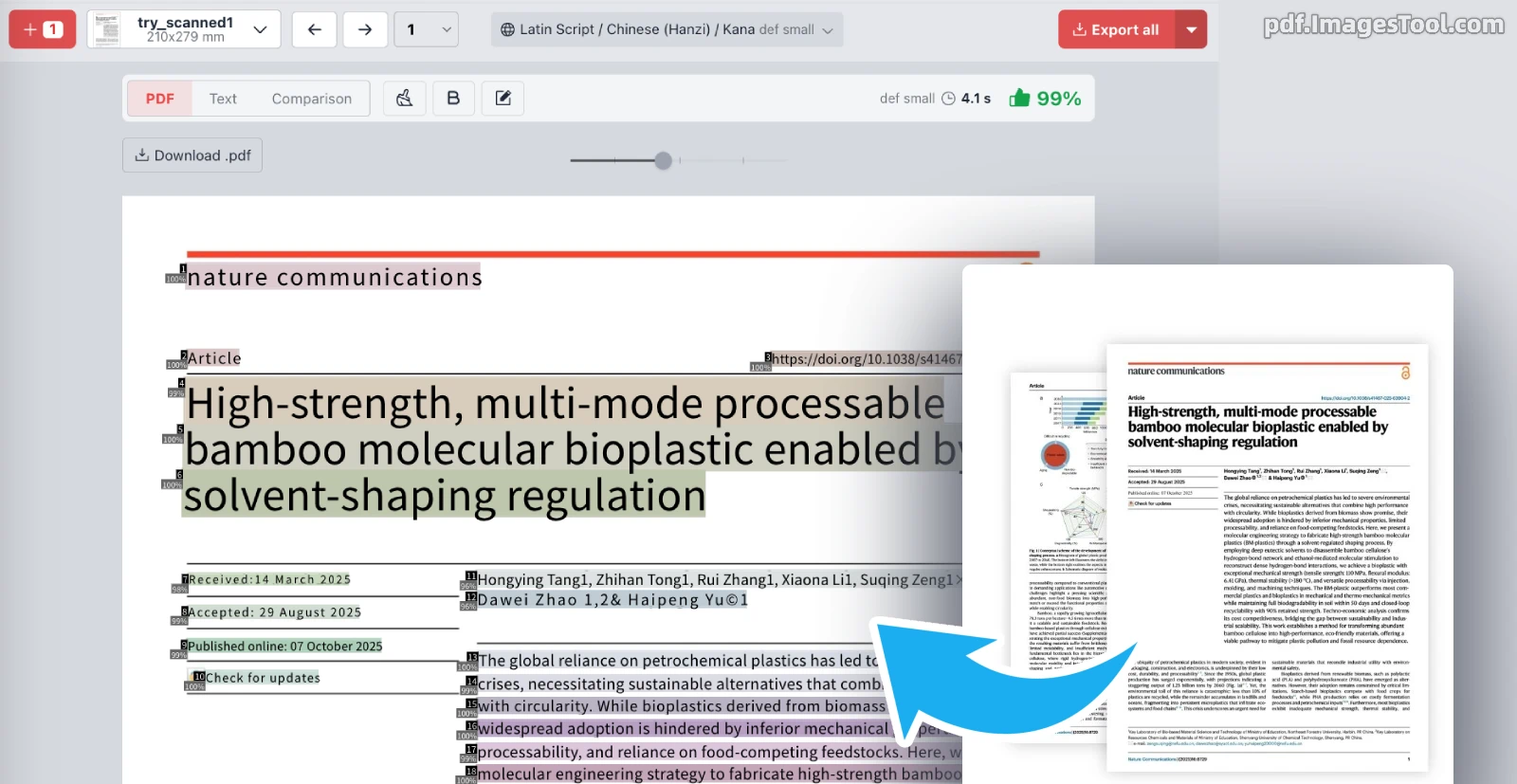
- Upload scanned PDF pages or image files (jpg, webp, png).
- Select the primary document language and recognition precision mode (Fast / Balanced / High precision).
- The system automatically detects text blocks while preserving accurate multi-column reading orders.
- Review recognition results in the built-in editor to modify, delete, or bold text as needed.
- Click Export to download a dual-layer searchable PDF with transparent text, plain TXT, or side-by-side comparison images.
Core Features & Advantages
- Real-Time Online Editing & Proofreading: Edit, delete, and bold recognized text directly in your browser immediately after OCR processing for a true what-you-see-is-what-you-get proofreading experience.
- Intelligent Multi-Column Layout Analysis: Automatically analyzes layout structures in academic papers, journals, and multi-column publications to extract text according to natural reading flow, preventing column crossing and line jumbling.
- Searchable Dual-Layer PDF Export: Generate dual-layer PDFs with an aligned transparent text layer superimposed over original scans, preserving original visual fidelity while enabling text selection, copying, and full-text search.
- Versatile Export Options: In addition to dual-layer PDFs, export plain text (TXT) files and comparison graphics to quickly audit recognition accuracy.
- Client-Side Processing & Privacy First: Document processing runs locally in your browser without uploading confidential files to remote servers, supporting multi-page and batch OCR seamlessly.
- Flexible Multi-Tier Precision Modes: Switch freely between 'Fast', 'Balanced', and 'High precision' modes to cater to speed-critical tasks or precision-intensive extraction.
Broad Multilingual & Multiscript Support
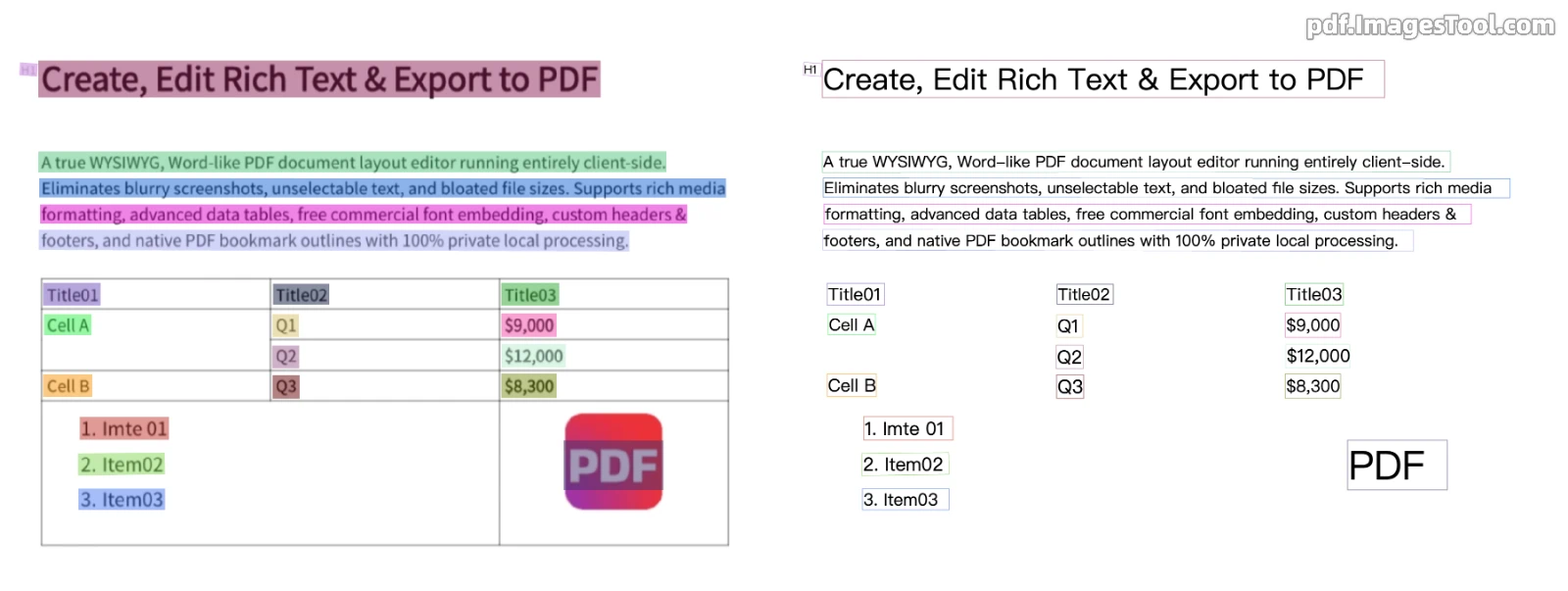
Every language profile comes with built-in recognition for English letters, Arabic numerals, and standard punctuation marks, covering hundreds of major and regional languages worldwide:
Han Characters, Kana, and Latin Scripts (50+ Languages)
Simplified Chinese, Traditional Chinese, Japanese, English, Tiếng Việt, Bahasa Indonesia, Bahasa Melayu, Tagalog, Türkçe, Azərbaycan dili, Oʻzbekcha, Deutsch, Français, Italiano, Español, Português, Nederlands, Polski, Čeština, Slovenčina, Magyar, Română, Srpski (latinica), Hrvatski, Bosanski, Slovenščina, Shqip, Svenska, Dansk, Norsk, Suomi, Eesti, Latviešu, Lietuvių, Íslenska, Gaeilge, Cymraeg, Euskara, Català, Galego, Occitan, Rumantsch, Lëtzebuergesch, Malti, Kurdî, Latina, Kiswahili, Afrikaans, Runasimi, Te Reo Māori, etc.
Cyrillic Script (33 Languages)
Русский, Беларуская, Українська, Српски (ћирилица), Български, Монгол хэл, Аҧсшәа, Адыгэбзэ, Адыгэбзэ (Къэбэрдей), Авар мацӀ, Дарган мез, Гӏалгӏай мотт, Нохчийн мотт, Лакку маз, Лезги чIал, Табасаран чIал, Қазақша, Кыргызча, Тоҷикӣ, Македонски, Татарча, Чӑвашла, Башҡортса, Марий йылме, Мокшень / Эрзянь кяль, Удмурт кыл, Коми кыв, Ирон æвзаг, Буряад хэлэн, Хальмг келн, Тыва дыл, Саха тыла, Qaraqalpaqsha (Кирилл).
Arabic Script (8 Languages)
العربية (Arabic), فارسی (Persian), ئۇيغۇرچە (Uyghur), اردو (Urdu), پښتو (Pashto), کوردی (Kurdish), سنڌي (Sindhi), بلۆچی (Balochi).
Devanagari Script (12 Languages)
हिन्दी (Hindi), मराठी (Marathi), नेपाली (Nepali), संस्कृतम् (Sanskrit), मैथिली, भोजपुरी, मगही, सादरी, नेपाल भाषा, कोंकणी, हरियाणवी, बिहारी.
Other Scripts
- 한국어 (Korean)
- ภาษาไทย (Thai)
- Ελληνικά (Greek)
- தமிழ் (Tamil)
- తెలుగు (Telugu)
Frequently Asked Questions (FAQ)
- What is a dual-layer PDF with transparent text?
- A dual-layer PDF embeds an invisible, perfectly aligned text layer beneath or above the scanned document image. This retains 100% of the original scan visual layout while granting document capabilities like text selection, highlighting, and full-text searching.
- Are my confidential scanned documents uploaded to the cloud?
- No. The OCR engine operates entirely within your browser via local client-side computation. Document parsing and file generation never leave your device, ensuring maximum confidentiality for contracts, medical records, and financial records.
- Does the tool support documents with mixed English and numbers?
- Yes. All language options inherently recognize standard Latin alphabets, numbers, and common punctuation marks without requiring manual mode switching.
Note: The underlying engine is powered by deep learning models (PP-OCRv5 & PP-OCRv6), delivering superior layout parsing and optical character recognition accuracy.